Laboratory
Lab
Key features
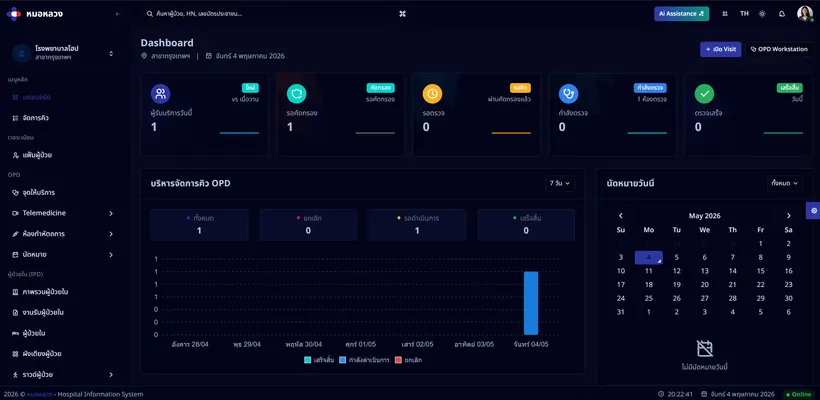
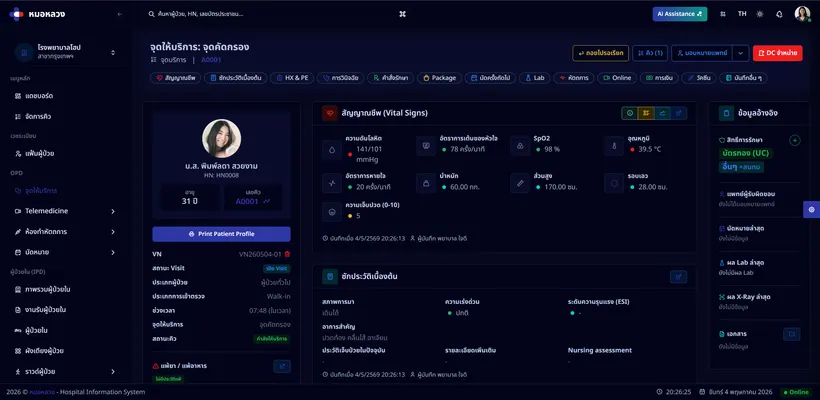
Orders arrive automatically from order entry
Print specimen barcodes
Interface directly with analysers (LIS interface) to receive results
Verify results before they are released
Released results appear in the medical record immediately
Reference ranges with critical value alerting
Trend charts across a patient's result history
AI compares each result against the patient's own history
AI analyses trends and drafts the summary report
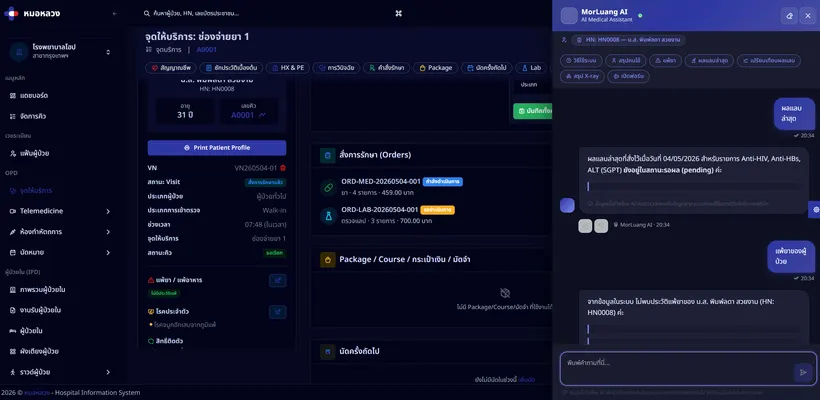
AI retrieves past results when asked in plain language
Overview
The laboratory module manages the whole workflow: receiving orders, printing barcodes, tracking specimens, interfacing with analysers, verifying results, and reporting them back to the requesting clinician.
Why it matters
Laboratory results drive clinical decisions. Interfacing directly with the analysers removes the transcription step where errors creep in — and the AI assistant compares each result against the patient’s own history, spots trends, and drafts a readable summary for both clinician and patient.
How it connects
Orders come from order entry. Released results appear in the doctor workstation and the medical record automatically, and the charges pass to billing.
Who uses this
Medical technologistsPhlebotomistsPhysicians
Related modules


Hospital information system software, licensed to clinics and hospitals in Thailand.